
Quick start: Hit the ground running in Canva
Click the gear icon on any video to speed up.
Canva Tutorials
Click the gear icon on any video to speed up.
Getting started in Canva
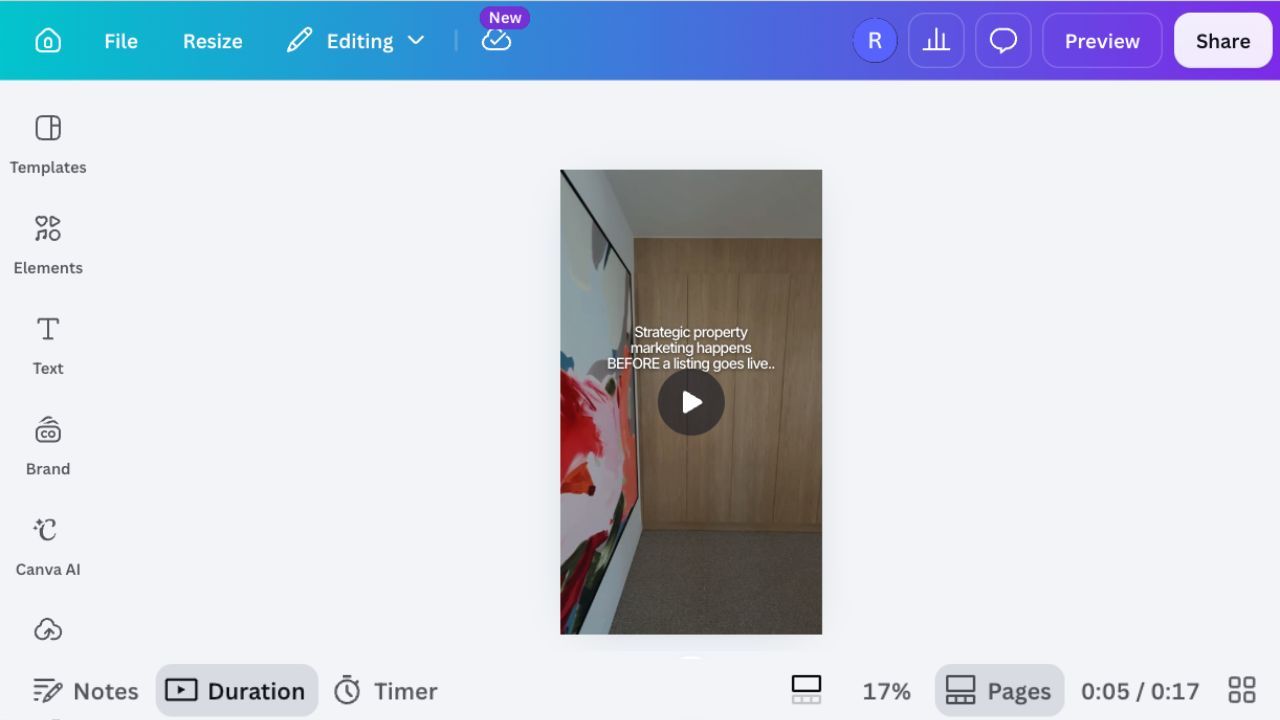
How to upload, edit and share in the Canva app - 1 min
Easy editing - 2 min
Using shortcuts in Canva - 4 min
How to add and remove text on Canva - 2 min
How to save your Canva design - 1 min
Resize in record time - 1 min
Graphic design essentials - 53 min
Working with photos and images
Choosing photos that work - 2 min
How to make quick photo edits - 1 min
How to adjust and enhance photos - 2 min
Apply filters and effects to photos - 1 min
How to remove image backgrounds on mobile - 2 min
Image Background Remover - 1 min
Try Background Remover 1 min
Fonts and typography
How to add and customise text in Canva - 4 min
How to change your text font - 1 min
How to choose the right font - 1 min
Colours and branding
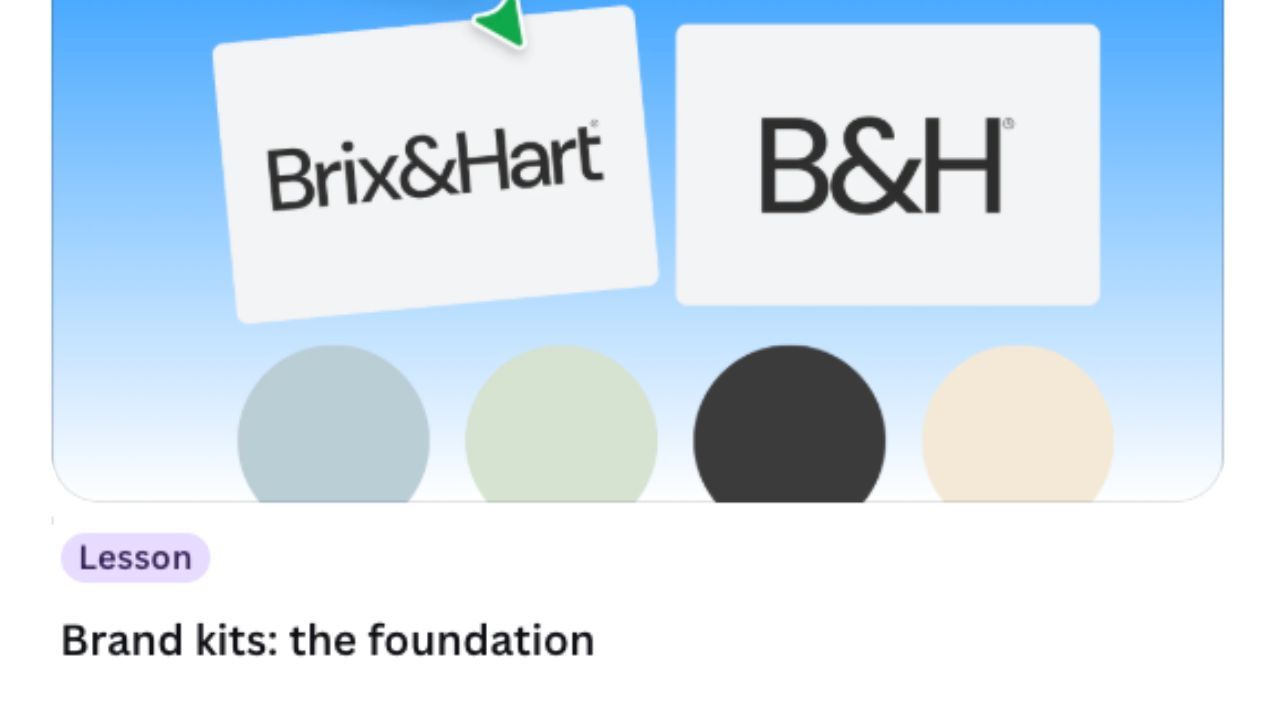
How to set up brand kits in Canva (Canva Pro required) - 2 min
Build a brand kit - 2 min
Mobile editing
How to start designing from your phone - 2 min
How to remove image backgrounds on mobile - 2 min
Easy editing from your phone - 2 min
Canva mobile tutorial: pinch to zoom - 1 min
Using Canva Pro on mobile - 4 min
Going deeper
Click-worthy carousels - 4 min
How to save your design as a PDF - 1 min
How to use Canva grids - 1 min
Colour, contrast and clarity - 2 min
Have a question or feedback?
Contact Support